
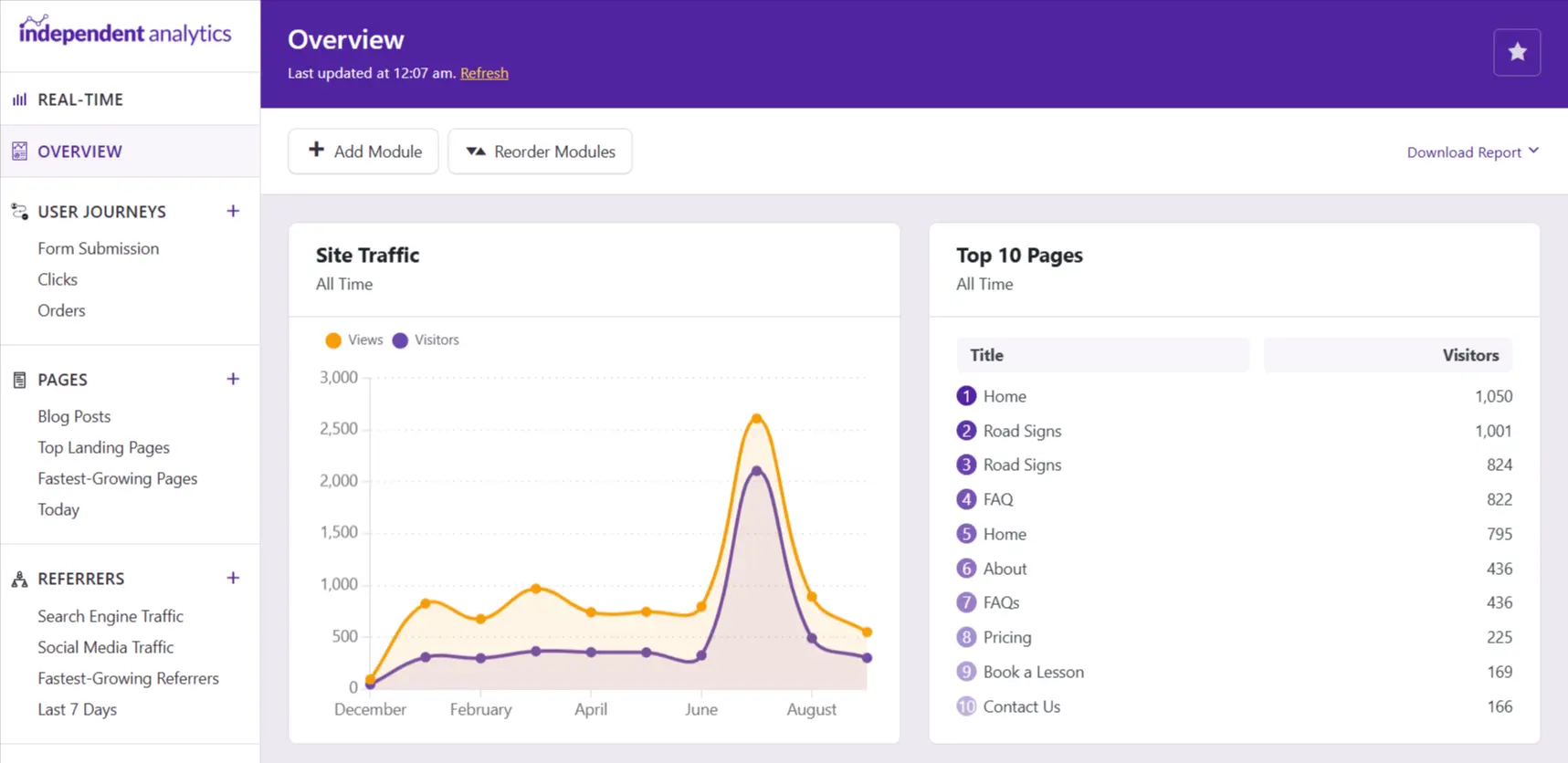
Independent Analytics is a WordPress analytics plugin for site owners who want to see useful visitor information without leaving the WordPress dashboard. This review explains what it is designed to show, where the Pro version can make sense, and the practical limitations to consider before buying.
What is Independent Analytics?
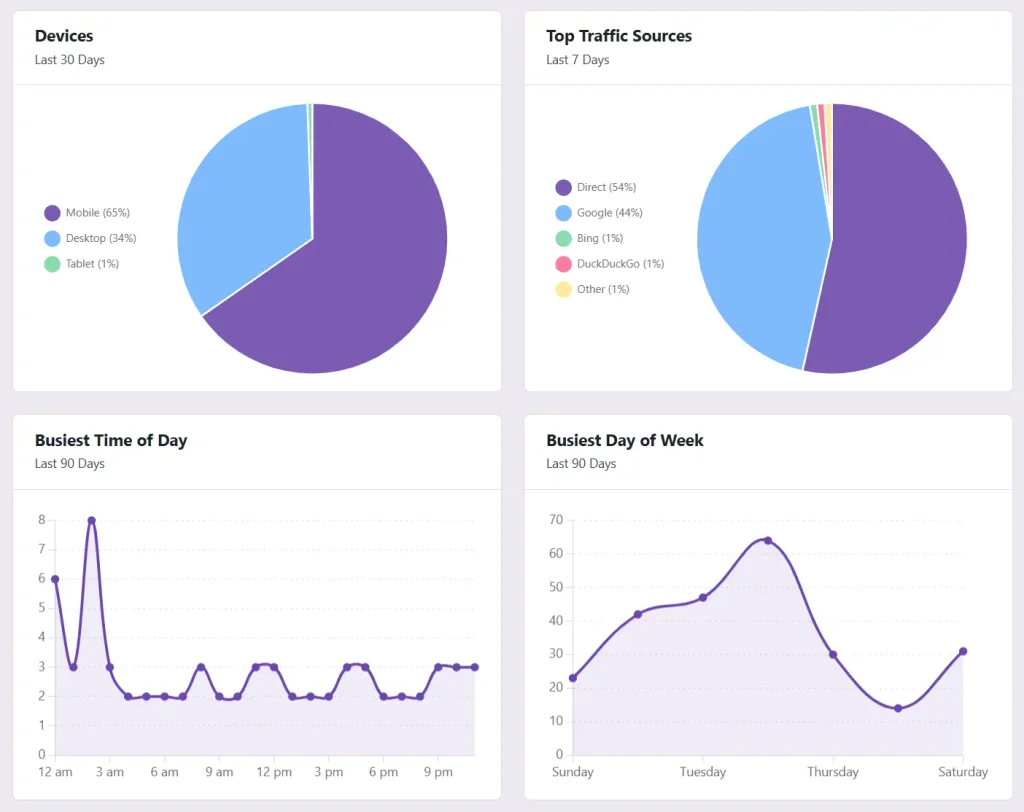
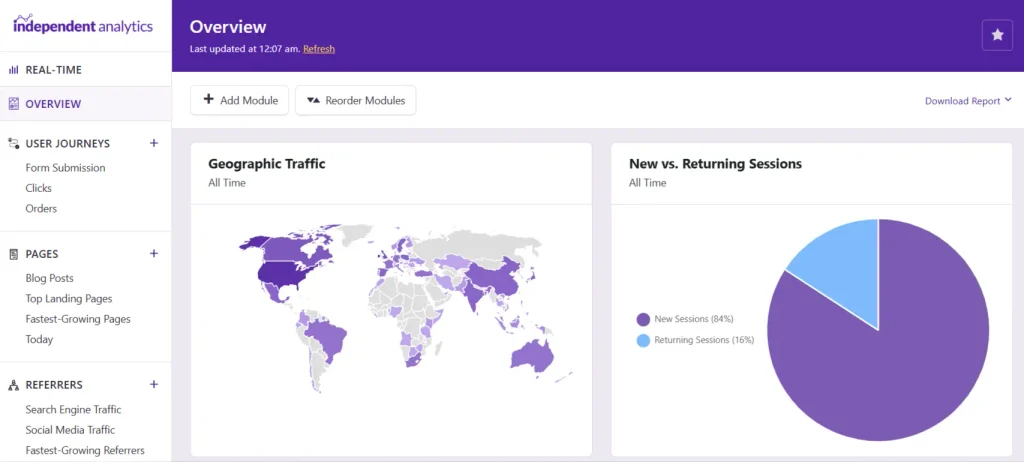
Independent Analytics adds a reporting area to WordPress so you can review site activity in the same place you manage pages and plugins. The core reports focus on the questions most small-business website owners ask: which pages people visit, where visitors came from, what devices they use and which countries or regions are represented.
It is not a replacement for every specialist analytics stack. It is a simpler option for people who want practical website reporting without making analytics itself a separate project.
What the dashboard helps you check
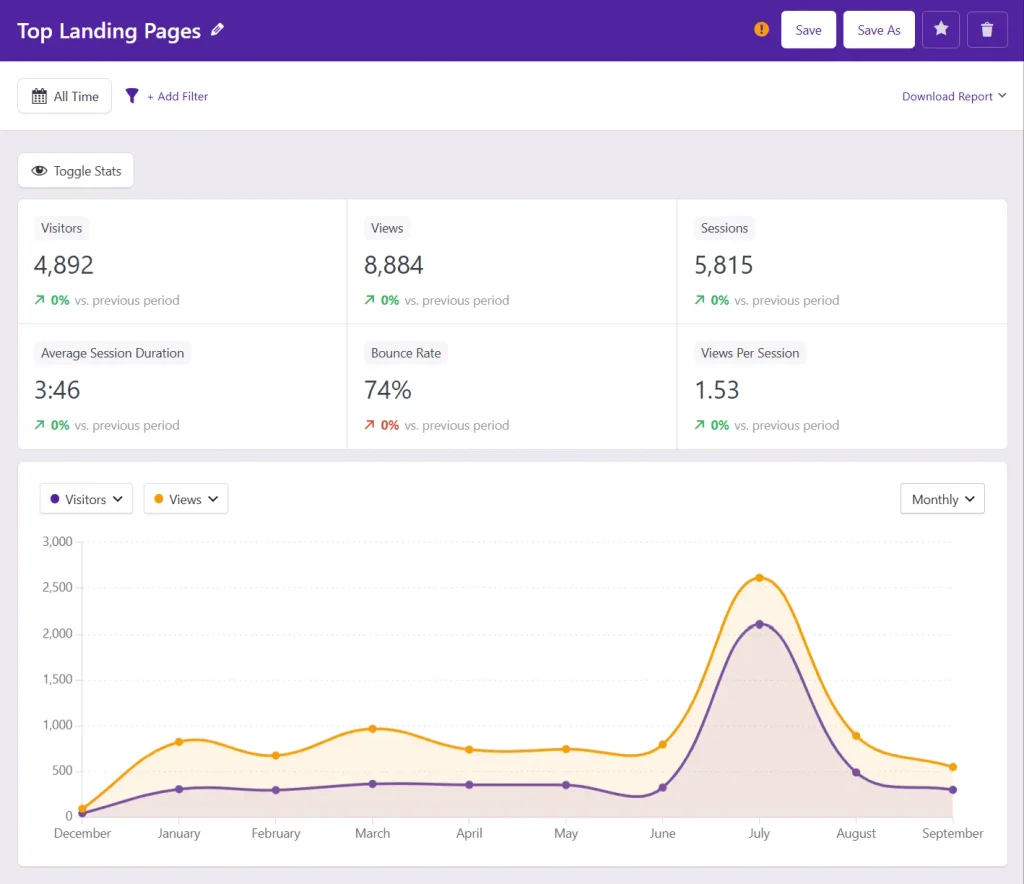
A useful reporting dashboard should help you decide what to improve next. On a typical service-business site, the most useful checks are:
- Top pages: identify which service, location or guide pages earn attention and which important pages need stronger internal links or clearer search visibility.
- Referrers: see whether visitors arrive through search, social activity, direct visits or another website.
- Device reports: spot whether mobile visitors dominate and make sure key calls to action work well on smaller screens.
- Geographic reports: sense-check whether traffic is reaching the countries or areas relevant to the business.
Use these reports as evidence, not as a scorecard. A higher visitor number is only valuable when the right people can find the right information and take a useful next step.
Why the Pro version may be worth it
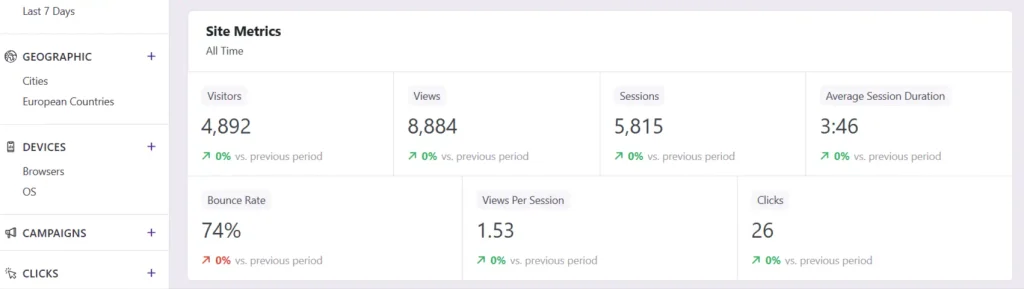
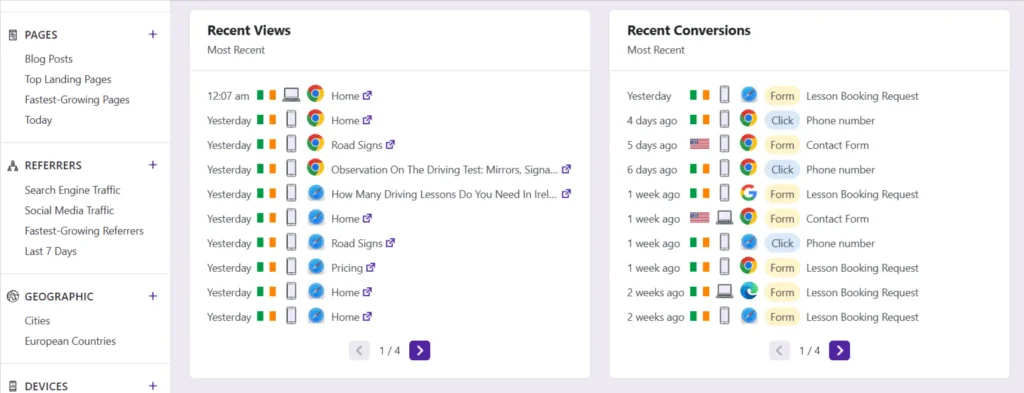
The free reports can be enough for a small brochure site. Pro is more relevant when you need to understand how a marketing activity or a conversion path is performing. The current Pro feature set includes additional reporting such as campaigns, real-time activity, click tracking, form tracking, user journeys, ecommerce analytics and email reports.
Only pay for these features if you will use the information to make decisions. For example, form tracking can be useful when enquiries are the main goal; campaign reporting can be useful when you are sharing tracked links; and click tracking can help validate whether an important action is actually being used.
If that is the reporting gap you need to solve, you can view the current Independent Analytics Pro plans.
Independent Analytics vs Google Analytics
These tools are built for different levels of reporting. Google Analytics is more comprehensive and can support deeper analysis, advertising ecosystems and more complex reporting. Independent Analytics is designed to make everyday WordPress reporting easier to understand.
The vendor says the plugin can run alongside Google Analytics, which can be useful if you want a quick WordPress dashboard for routine checks while retaining Google Analytics for broader analysis. Do not expect the figures to be identical: analytics tools can use different collection and reporting methods.
Privacy and data ownership: what to check
Independent Analytics states that it uses no cookies and keeps analytics data in the WordPress database rather than sending it to its own external servers. That can be appealing for site owners who want a more self-contained setup.
However, analytics and privacy obligations depend on your own website, jurisdiction, notices and enabled features. Review the plugin’s current documentation, your consent setup and your privacy policy before treating any analytics tool as a compliance solution.
Limitations to know before you buy
- It is a WordPress plugin, so it is not designed as a universal cross-platform analytics platform.
- Data starts collecting after installation; the vendor says historical Google Analytics data cannot be imported.
- More detailed tracking should be enabled only when it supports a real reporting need.
- Because analytics data is stored on the site, data retention and database housekeeping should be considered as traffic grows.
Verdict: who should consider Independent Analytics?
Independent Analytics is a strong fit for WordPress site owners who want clear, everyday reporting inside the dashboard rather than a large analytics interface. The Pro version is most worthwhile when its additional reports answer a genuine business question—such as whether forms, campaigns, clicks or customer journeys are helping visitors become enquiries.
If you only need occasional high-level traffic checks, start with the free version and assess what is missing. If you already know that you need the Pro reports, use the recommendation link at the end of this guide to review the current plan details before purchasing.
Frequently asked questions
What is Independent Analytics?
Independent Analytics is a WordPress analytics plugin that adds visitor reporting inside the WordPress dashboard. Its reports can cover areas such as pages, referrers, devices and geographic data, depending on the version and settings in use.
Can Independent Analytics run alongside Google Analytics?
Yes. Independent Analytics says it can run alongside Google Analytics. They collect their own data, so totals and reporting methods should not be expected to match exactly.
Is Independent Analytics cookie-free?
The vendor describes Independent Analytics as cookie-free and says its data is stored in the site database. Cookie-free tracking does not remove a website owner’s responsibility to assess their own privacy, consent and data-protection obligations.
Who is Independent Analytics Pro for?
Pro is most useful when the additional reports and tracking features solve a real reporting need, such as campaign, form, click, ecommerce, journey or scheduled email reporting. Check the current plan details and test whether those features fit the site before buying.
Does Independent Analytics import old Google Analytics data?
Independent Analytics says it does not import historical Google Analytics data. Reporting begins from the time it is installed and collecting data on the WordPress site.